Offsites & Simulations · 23 July 2026 · 5 min read
Virtual Team Simulation for Distributed Teams: How to Make It Land
Plan a virtual team simulation for distributed teams that tests real coordination, includes every location and produces useful changes to everyday work.
Written by Sarah Murray
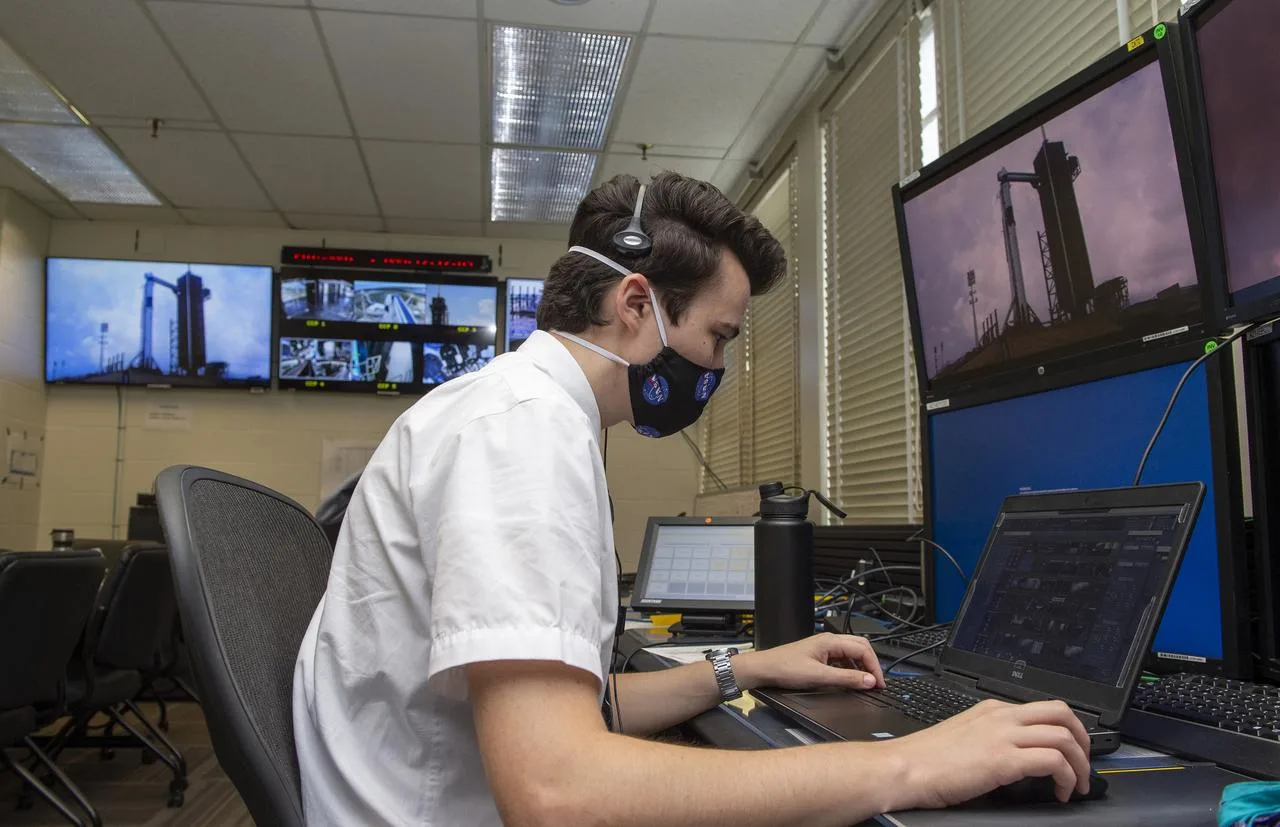
Photograph: Stewart Whaley and teams at NASA’s Marshall Space Flight Center help monitor launch conditions for the Demo-2 mission from the Huntsville Operations Support Cen — NASA, public domain
Your distributed team spends enough time on video calls already, so another online activity needs a better justification than bringing people together. A useful simulation should expose how the team coordinates across distance, not merely prove that everyone can join a meeting. Design around the working problem and the conditions people actually face.
Choose a coordination problem that distance amplifies
Start with an observed difficulty: decisions are made while a region is offline, handovers omit context or parallel teams act on different versions of a plan. Select a scenario that allows that pattern to emerge in a manageable setting. Do not attempt to reproduce every complication of international work in the same exercise.
Distributed information can be particularly useful. Give roles different perspectives and make success depend on assembling a shared picture. The challenge should be recognising what others need to know, not locating a hidden button in unfamiliar software. Technical friction and useful task uncertainty are different design ingredients.
Agree what participants will be able to do differently afterwards. A good objective might concern confirming ownership across a handover. Feeling more connected may be welcome, but it is not specific enough to guide the mechanics or tell the facilitator what to observe.
Make joining conditions part of the design
Check time zones, working hours, connectivity, device restrictions and accessibility before fixing the format. Do not repeatedly ask the same location to absorb the least convenient hours because its participants are usually accommodating. If synchronous overlap is limited, shorten the shared component and consider an asynchronous preparation stage.
Offer a technical check separately from the exercise. Participants should know which tools are required and how to request support. Provide accessible instructions in advance, and confirm how captions, screen readers or keyboard navigation interact with the chosen platform. A promise that the platform is intuitive is not an access plan.
- Identify a fallback route if someone loses their connection.
- Decide whether phones and smaller screens can support meaningful participation.
- Confirm which information participants may download or retain.
Avoid asking participants to solve security restrictions during the live session. Work with the organisation's relevant teams beforehand so that access problems do not become an accidental exclusion mechanism.
Distribute roles without creating invisible spectators
A remote exercise can look busy while a small group does all the deciding. Build roles with distinct information or responsibilities, then check that everyone has a meaningful route into the shared task. Do not assume a verbal invitation will compensate for a design in which only one screen contains the useful material.
Think carefully about hybrid participation. People sharing a room can exchange signals and side comments that remote colleagues cannot hear. Either give everyone an equivalent individual interface or design explicitly for the unequal conditions. A camera at the end of a table rarely creates parity by itself.
Role allocation should not reinforce existing status unnecessarily. Consider whether the usual meeting chair should hold a different responsibility. Explain that roles are task requirements rather than judgements about capability, and avoid surprising anyone with responsibilities they cannot access through the available technology.
Observe the channels, not just the conversation
Online coordination happens through speech, chat, shared documents and private exchanges. Decide which channels form part of the exercise and what observers can legitimately see. If private messages are permitted, recognise that the facilitator's account will be incomplete. Do not imply comprehensive observation where it does not exist.
Look for version control, explicit ownership and acknowledgement of important updates. Notice whether a change in one room reaches people elsewhere before they act. A fluent discussion in the main call can conceal confusion in the actual workflow, especially when participants assume that posting something means it has been read.
Capture behavioural events without collecting unnecessary personal data. Recording may be convenient, but it requires a clear purpose and appropriate arrangements. Often a carefully designed observation sheet provides enough evidence without preserving every participant's face and voice for later scrutiny.
Build the debrief around different information positions
After the task, reconstruct a turning point from the perspectives of different roles or locations. Ask what people could see, what they thought others knew and what prompted action. This is more informative than asking whether communication was good. It reveals the assumptions hidden inside apparently straightforward messages.
Use quiet individual reflection before open discussion so that speed of speech does not determine whose account becomes authoritative. Invite contributions through accessible channels, and read out relevant written points rather than leaving them in a chat stream that others may miss.
- Which update needed acknowledgement rather than simple publication?
- Where did the team assume shared context that did not exist?
- What decision became difficult because ownership was unclear?
Avoid blaming the medium for every problem. Distance may expose a weak process that was already present when colleagues worked beside one another.
Test a protocol in the next real handover
Select a change that fits the team's existing tools. It might specify a decision owner, an acknowledgement rule or a common place for the current plan. Keep it simple enough to use across working hours without requiring constant attendance at another call.
Review the change using actual handovers or decisions. Ask whose work became easier and whether the protocol created new burdens elsewhere. A virtual simulation has landed when the distributed team can coordinate more reliably without depending on everyone being online, attentive and available at the same moment.
Bring this to your team
We run NASA-style simulations, astronaut keynotes and leadership expeditions for organisations that need their leaders to make good calls under pressure.
Book a Call